
How to Send a Letter Online (No Printer, No Post Office)
Send a real, physical letter online from your phone, no printer and no post office. What it costs, how long it takes, and how to mail one to any country.

You can send a real letter without a printer or post office: write or AI-draft it on your iPhone, review it, and let a print-and-mail service print, envelope, and post it. With FrankKi, prices start at 3,39 EUR per letter and worldwide sending is available.
What does sending a letter online actually mean?
"Send a letter online" means you provide the text and the address. The service handles the physical steps:
- printing the letter;
- folding and enveloping it;
- applying postage;
- handing it to the postal carrier.
You're not sending an email or a PDF that lives on a screen. A real envelope lands in a real letterbox. You skip the printer, the envelope, the trip, and the queue, and the letter still arrives as paper.
This matters more than it sounds, because plenty of things still demand paper. A signed form, a cancellation a company only accepts by post, a card to a grandparent who has never owned a smartphone. What a paper letter really needs is a printer, an envelope, a stamp, and a postbox, and an online service rolls all four into a tap. (For German formal letters there is even a layout standard, DIN 5008, that decides where the address and date sit on the page.)
One thing worth knowing before you start: most online print-and-mail services in English-speaking markets ask you to upload a finished PDF and post it to a domestic address. The phone-first route, where you write the letter in the app and mail it to any country, is rarer than the search results suggest. The only part of letter-writing that still has to be physical is the delivery, and that's exactly the part you can now hand off.
Do you need a printer? (No, and here is why.)
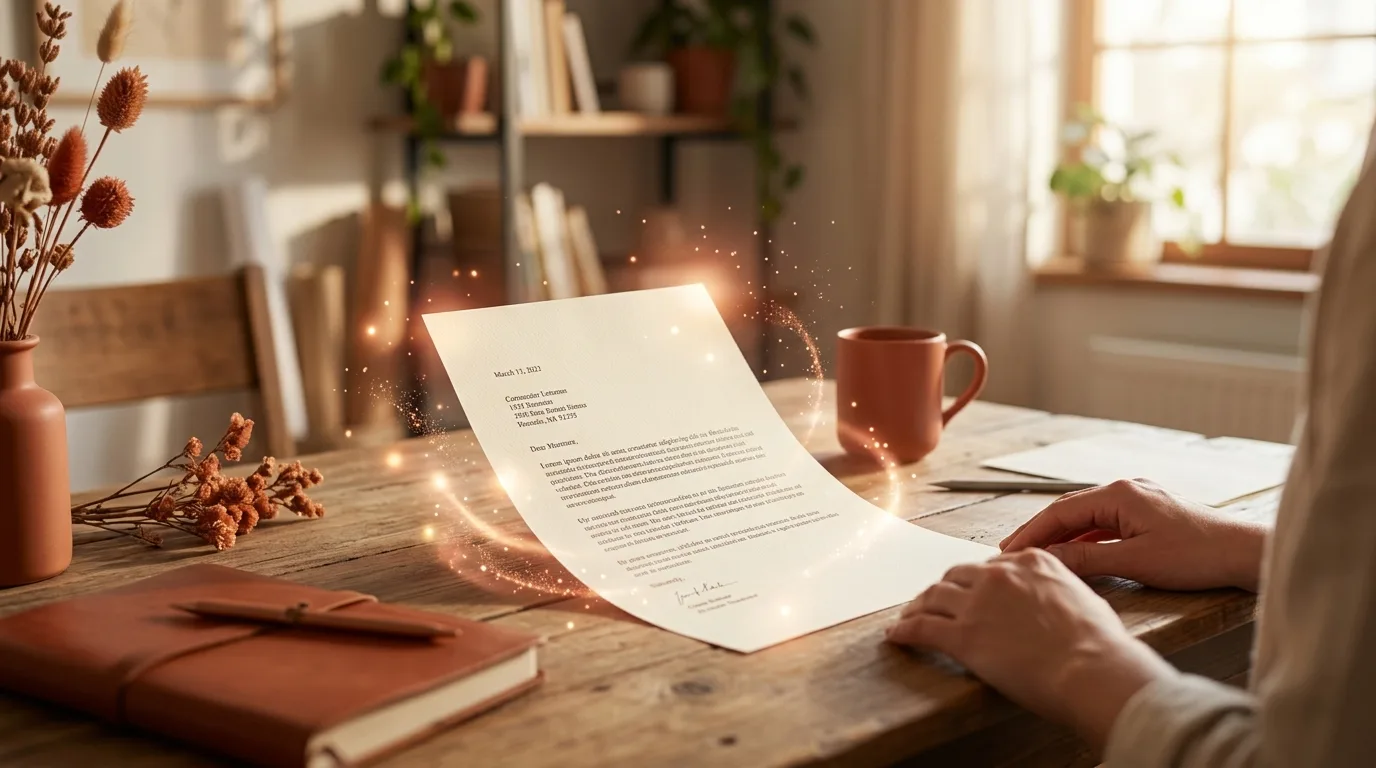
No. That's the whole point of sending a letter online, and it's the question people ask most. The service owns the hardware: industrial printers, folding machines, envelopes, and a direct handover to the postal carrier. You own a phone. When you tap send, your letter is printed on real paper in a print centre, enveloped, and dropped into the postal stream the same way a letter from your own kitchen table would be.
And there's a quieter benefit. A home printer is the single most unreliable object in most flats (out of ink, paper jam, wrong driver, the cartridge that costs more than the printer itself). Skipping it removes the one step that usually makes people give up and leave the letter unsent. No printer also means no scanner and no envelope drawer, so a letter you've been postponing for two weeks becomes a five-minute job on the sofa.
How do you send a letter online, step by step?
Three steps, and none of them involves a post office.
- Write. Type the letter yourself, start from a template, or describe what you want and let the AI draft it. You can say something like "I want to cancel my gym membership" and edit the wording afterwards.
- Review. The app formats the letter automatically to the German DIN 5008 standard, then you check the preview, enter the recipient address, and pick a shipping option.
- Send. The letter is printed, enveloped, and handed to the post. You watch each step in the app: ordered, printed, sent, plus an estimated delivery window.
Here's what surprises first-time users: the writing is the only part that takes thought, and even that can be handed to the draft assistant. Everything after the address field happens without you.
How much does it cost and how long does it take?
A national standard letter starts at 3,39 EUR in black and white, or 3,49 EUR in colour. A registered letter starts at 7,59 EUR. International letters are quoted per destination and the exact price is shown before you send, so there is no fixed worldwide number to give: the recipient's country sets the tariff. Here's the shape of it.
| Where it is going | Zone | From-price | Delivery estimate |
|---|---|---|---|
| Germany, Austria, Switzerland | DACH (local tariff) | Standard from 3,39 EUR b/w (3,49 EUR colour) | 1 to 3 business days (Germany) |
| France, Netherlands, UK, Belgium, Luxembourg, Spain | EU-local | Quoted per destination, shown before you send | Depends on destination |
| Anywhere else | Rest of world via DHL | Quoted per destination, shown before you send | 4 to 18 business days |
| National postal evidence | Registered | Einwurf from 7,59 EUR, Übergabe from 8,19 EUR | With proof of posting or a signature |
The word "from" in that table does real work. A from-price is the cheapest version of that letter, a single sheet in black and white, and it climbs with extra pages or colour. Colour adds ten cents over black and white on a national standard letter (3,49 EUR against 3,39 EUR), which sounds trivial until you send a photo-heavy card and wonder where the difference went.
One honest note on the rest of the table. For anywhere outside the DACH and EU-local zones, the price depends on the destination and is calculated at order time, which is why you won't see me quote a single "letter to Australia" figure. You see the real price before you confirm, never after. That honesty is the point: a quote you cannot verify is worth nothing.
Can you send a letter to another country online?
Yes, worldwide, and the mechanism is older than the internet. Under the Universal Postal Union, the UN agency that has coordinated cross-border mail since 1874, a letter you post in one country is carried and delivered by the destination country's own postal service. So you're not shipping a parcel across a border, you're handing a letter into a treaty that 192 member countries already honour.
In practice the world splits into three price zones. The DACH region (Germany, Austria, Switzerland) and several EU countries (France, Netherlands, UK, Belgium, Luxembourg, Spain) are billed at local postal tariffs. Everything else goes the rest-of-world route via DHL, whose network reaches 220 countries and territories, in an estimated 4 to 18 business days. FrankKi mails across all three, so a single app covers a letter to the next town and a letter to the other hemisphere.
And the rule worth remembering is the one about the recipient. The tariff follows the destination, not the sender. A letter to a Berlin address is a national German letter even if you're typing it in Lisbon. (If that letter is a reply to a German authority, it also has to be written in German. Here's how to understand and answer a German official letter.) For the rest of the world, the destination decides both the price and the delivery window.
Standard or registered: do you get tracking?
The evidence depends on the postal product:
- Standard: not tracked. The app shows ordered, printed, sent, and an estimated delivery window, but there is no scannable tracking number or signature. This is usually enough for a birthday card, cover letter, or routine form.
- Einwurf: the carrier deposits the letter in the letterbox and logs proof of posting, with no recipient signature, from 7,59 EUR.
- Übergabe: the carrier hands over the letter and the recipient signs, from 8,19 EUR.
For a deadline-critical letter, Übergabe provides the strongest everyday evidence that a specific person received it. When a legal clock is attached, the extra euro or two buys evidence that is rarely money wasted.
When does sending a letter online make sense?
It makes sense whenever the letter has to be paper and you would rather not become the printer, post office, and courier yourself:
- a contract cancellation that a company only accepts by post;
- a signed application or form;
- an objection with a deadline, where proof of posting matters;
- a letter to an elderly relative who reads paper, not screens;
- a physical, German-language reply to a German Behörde from another country.
It also covers the dull, recurring paperwork that piles up precisely because the printer is broken or the post office shut at five. The threshold is low: if you find yourself looking for a stamp, an online letter probably saves you the search. The cases where it doesn't help are the obvious ones, an email the recipient is happy to receive, or a parcel, which is a different service entirely.
If the letter is a formal complaint or information request, start with this guide to putting a complaint or request in writing. It helps you choose the right US or UK route, collect the useful records, and open the matching FrankKi template.
How the app does all this
FrankKi handles the whole chain from one iOS app:
- write or AI-draft the letter;
- format it to the German DIN 5008 standard;
- print, envelope, and hand it to the post nationally or worldwide;
- pay per letter by card or Apple Pay, with no subscription or credit balance;
- see the exact price before confirming.
Your letters stay on the iPhone, transfer once to the print provider, and are deleted after printing. There is no account to create, which is unusual for a service that takes a payment.
Real examples
Three real situations make the zones concrete.
- Mara in Lisbon, a form to a Berlin office. The address is German, so it counts as a national German letter even though Mara is in Portugal. She writes it in the app, picks standard, pays 3,39 EUR, and it lands in Germany in 1 to 3 business days. She never hunts for a Portuguese post office that handles German domestic mail, because she doesn't need one.
- Tom in Toronto, a birthday letter to his gran in Manchester. The UK sits in the EU-local zone, so Tom picks an international standard letter, sees the price quoted for the United Kingdom before he confirms, and sends it. No printer, no currency maths, no stamp he would have to buy in Canadian dollars for a British address.
- Priya in Singapore, a signed document to a friend in São Paulo. Brazil is in the rest-of-world zone, so the letter travels via DHL with an estimated 4 to 18 business days and a per-destination price shown before sending. Priya can add registered handling if the document needs proof of delivery.
Get the app on the App Store and send your first letter from the English home page.
Direct sources used to research and verify this guide.
- Universal Postal Union Official
- Universal Postal Union (overview) Reference
- DHL Group - About us Reference
- How to mail a letter online (The Letter Pilot) Reference
- Do you need a printer to send a letter online?
- No. A print-and-mail service prints, envelopes, and posts the letter for you, so all you need is your phone. The service owns the printer, the envelopes, and the handover to the post.
- How much does it cost to send a letter online?
- A national standard letter starts at 3,39 EUR in black and white or 3,49 EUR in colour, and a registered letter starts at 7,59 EUR. International letters are quoted per destination and the exact price is shown before you send. You pay by card or Apple Pay, with no subscription.
- Can you send a physical letter to another country?
- Yes, worldwide. Letters across the DACH region and several EU countries are billed at local postal tariffs, and the rest of the world is delivered via DHL in typically 4 to 18 business days. The recipient's country sets the price, not yours.
- Is a letter sent online legally valid?
- A print-and-mail service produces the same kind of paper letter you could post yourself, but that alone does not make every letter legally sufficient or effective. The result depends on the content, form, signature, recipient and deadline. Postal evidence can document posting or delivery; it does not replace legal advice.
- Do you get a tracking number?
- A standard letter has no tracking number. You see its status in the app (ordered, printed, sent) plus an estimated delivery window. For real proof of delivery, choose a registered letter: Einwurf records proof of posting, and Übergabe is signed by the recipient.
- How long does delivery take?
- Within Germany, 1 to 3 business days. International delivery depends on the destination, and rest-of-world letters via DHL take typically 4 to 18 business days. The app shows an estimated window once the letter is sent.

Pascal Lindenau ist Gründer von FrankKi. Der Berliner entwickelt digitale Produkte, die alltägliche Aufgaben einfacher machen. FrankKi entstand aus einer simplen Frage: Warum ist es 2026 immer noch so umständlich, einen echten Brief zu verschicken? Auf dem Blog verantwortet Pascal die Ratgeber rund um Briefe, Kündigungen und Behördenpost und sorgt dafür, dass jeder Artikel sauber recherchiert und aktuell ist. Bei rechtlichen Themen ersetzen die Inhalte keine Rechtsberatung.